Online Galleries for Photographers
Showcase your work in beautiful, minimalist galleries. Deliver photos effortlessly, and give your clients a smooth, professional experience.
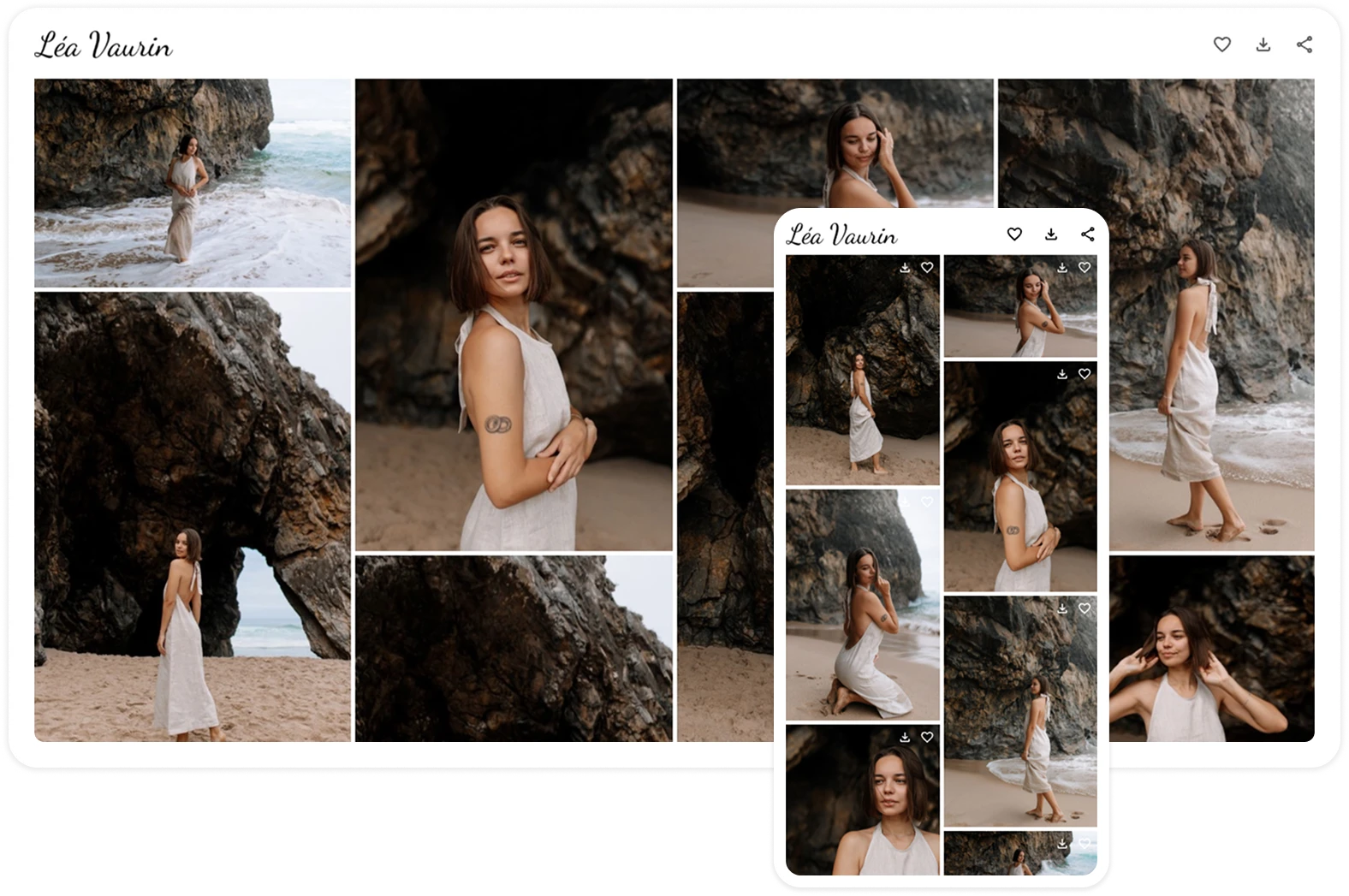
Discover the Benefits of Pixover’s Online Galleries
Client photo selection
Allow clients to easily select photos for editing, printing, or album design — no signup needed, just one click
Responsive Design
Make your gallery truly yours — choose a cover design, font, photo grid, and colors. Designed to look polished and professional on every device
Advanced features
Upload photos, videos, and RAW files. Add a video cover to make your gallery truly stand out
Personal profile portfolio
Create a public profile with your galleries, photos, contact info, and a description — perfect for showcasing to potential clients
Your logo in every gallery
Add your own logo or use our built-in designer to boost your gallery’s branding and visual identity
Choose a Plan That Fits Your Needs
Everything a photographer needs to work with clients
Prices are in currency:
Free
$0/mo
Basic
$ 4 /mo
$3.5/mo
Plus
$ 10 /mo
$8.5/mo
Pro
$ 17 /mo
$14.5/mo
Max
$ 29 /mo
$24/mo
3 GB
50 GB
200 GB
500 GB
1000 GB
Free
$0/mo
3 GB
Basic
$ 4 /mo
$3.5/mo
50 GB
Plus
$ 10 /mo
$8.5/mo
200 GB
Pro
$ 17 /mo
$14.5/mo
500 GB
Max
$ 29 /mo
$24/mo
1000 GB
Questions we often get
Didn’t find an answer? Contact us
Does my client need to register to view or download files?
No, your client doesn't need to create an account or register. They can view, select, and download files without any extra steps
Can I upload videos to galleries?
Yes! You can upload videos depending on your subscription plan. Pixover also supports video covers for galleries
Are my galleries visible in search engines?
No — to protect your clients’ privacy, galleries are hidden from search engines. You can also add a password for extra security in your gallery settings
Can I create or edit galleries from a mobile device?
Yes, Pixover is mobile-friendly. You can create and edit galleries directly from your smartphone
Can I track when a client downloads photos?
Yes, the 'Statistics' section in your account shows activity such as views, individual file downloads, and full gallery downloads. You'll also receive a notification when a gallery is fully downloaded
What does 'logo in galleries' mean?
You can upload your own logo in your account settings or create one using Pixover’s logo builder. The logo will be displayed in the header of each gallery to reflect your style and branding
Learn more about our website builder
A simple, user-friendly tool to help you create a beautiful website — no tech skills required
View